 Capa
CapaProductsFor your team
Media LibraryEvery file, right where you left it.
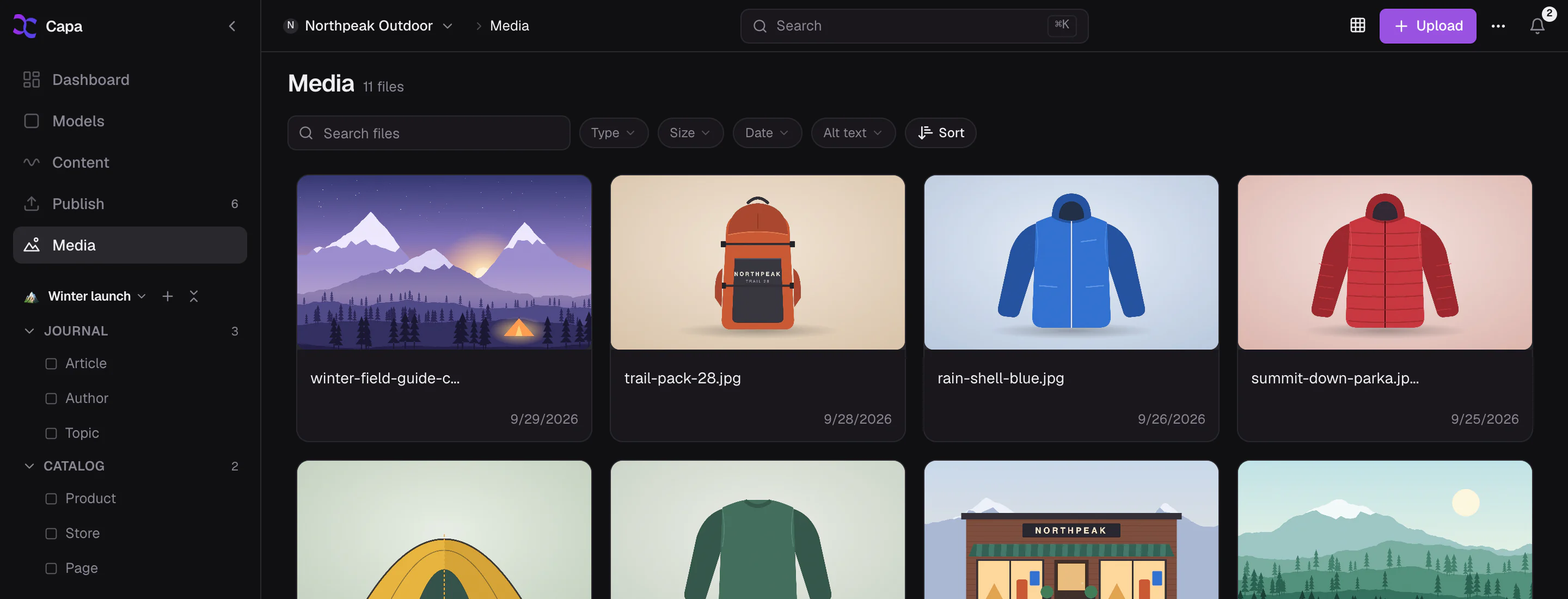
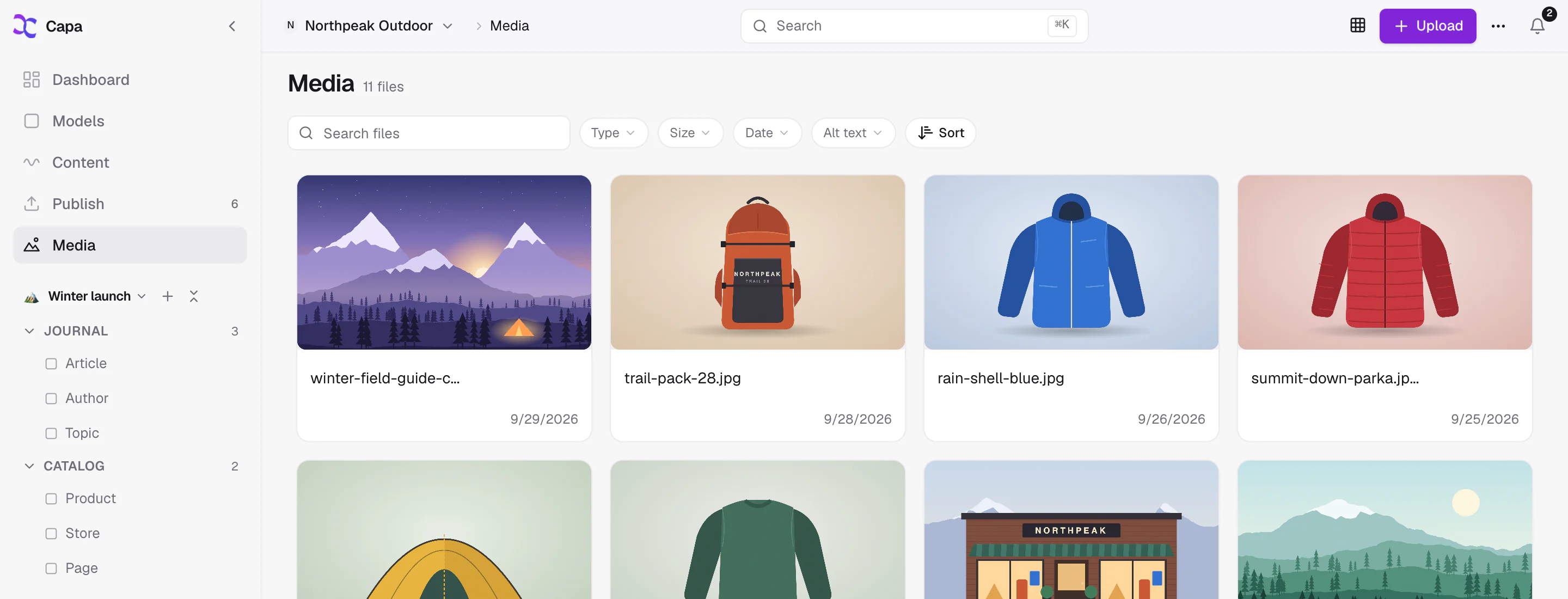
Upload images, video, audio and documents up to 800 MB. Sort them into folders, give them alt text, filter by type, size and date, and see everywhere a file is used before you replace it.
The orange Trail Pack 28 backpack, front view
Used in 3 entries- Trail Pack 28Product
- Winter Field Guide 2026Article
- HomePage
Filter by what matters. Fix what is missing.
Type, size, date, alt text and folder, combined. Find every image without alt text in one click and fill them in before launch.
- No alt text
- MP4
- PDFNo alt text
- M4ANo alt text
- No alt text
Upload almost anything. Safely.
Drop in the files your site actually uses. Capa reads each one, records its size, and keeps it ready for every page that needs it.
- .jpg
- .png
- .gif
- .bmp
- .webp
- .avif
- .svg
- .mp4
- .mov
- .webm
- .mkv
- .avi
- .mp3
- .wav
- .ogg
- .flac
- .m4a
- .aac
- .txt
- .csv
- .docx
- .xlsx
- .pptx
- 800 MBper file, so the long video fits
- By its bytesCapa checks what a file really is, not what its name says
- SVG, cleanedscripts and event handlers are stripped before anyone can open it
A library that stays tidy on its own.
- Where used
Know before you change
Every file lists the entries that use it, so replacing the hero image is a decision, not a gamble.
- Replace
Replace in place
Upload a new version under the same URL. Every size of the old one leaves the edge cache at once.
- Alt text
Alt text that travels
Write it once on the file. A media field with no alt text of its own uses the file's in the API.
- Bulk
Edit many at once
Select a batch of files and edit them together, in the grid or the table.
- Players
Audio and video, playable
Listen to a clip or scrub a video right in the library, without downloading it first.
- Sizes
Every size from one file
Each image is ready for the Image API: any width, crop, format or density, straight from its URL.
About your files.
What happens to a page when I replace a file?
It keeps working. The URL stays the same and every cached size of the old file is purged, so the next visitor sees the new one.
Can I organize media in folders?
Yes. Media has its own folders, and nav views can pin the folders a team uses most to the sidebar.
Does Capa resize my images?
Yes, on the fly. Add a width, a crop or a format to any image URL and the Image API renders it at the edge.
Are uploads checked?
Every upload is identified by its contents rather than its extension, and SVG files are sanitised before they are served.
Your files, finally in order.
Upload everything, find anything, and replace with confidence.