 Capa
CapaEdit what you see.
Publish when it’s right.
Capa is built for the person doing the writing: your own site beside the editor, drafts that stay off the live page until you say so, and every save kept as a version.

Your site,
right beside the form.
Press Preview and your own website opens next to the entry, showing the draft you are writing. Focus a field and its spot on the page lights up. Click text on the page and the editor jumps to the field that holds it. Try it below.
- Switch between Draft and Published to compare.
- Mobile, Tablet and Desktop, at each device’s real width.
- Save a draft and the preview updates in place, scroll position kept.
Spring collection
Light layers for long days
Shells, fleeces and a rain jacket that packs into its own pocket.
Shop the collection
Every save is a version.
Nothing goes live by accident.
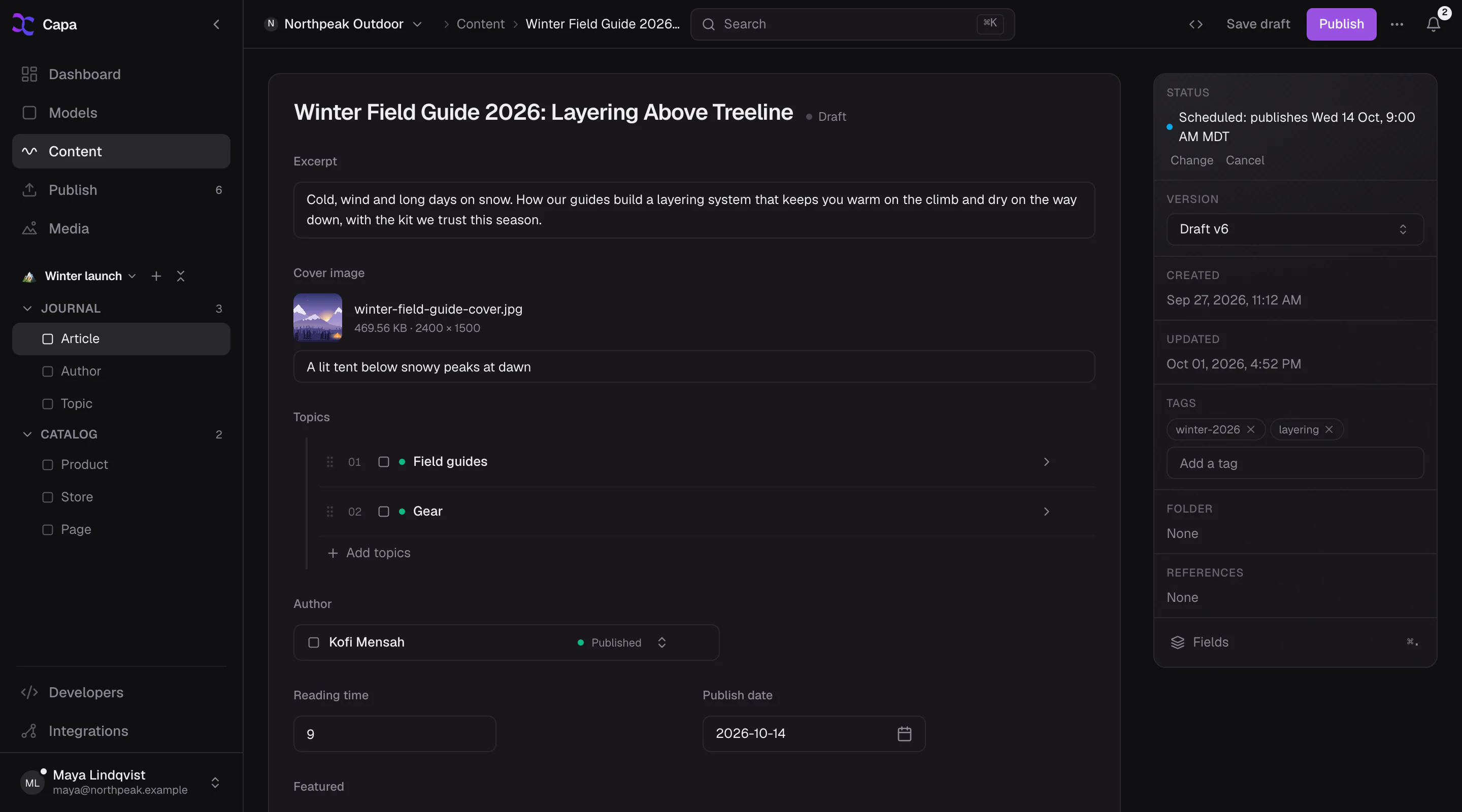
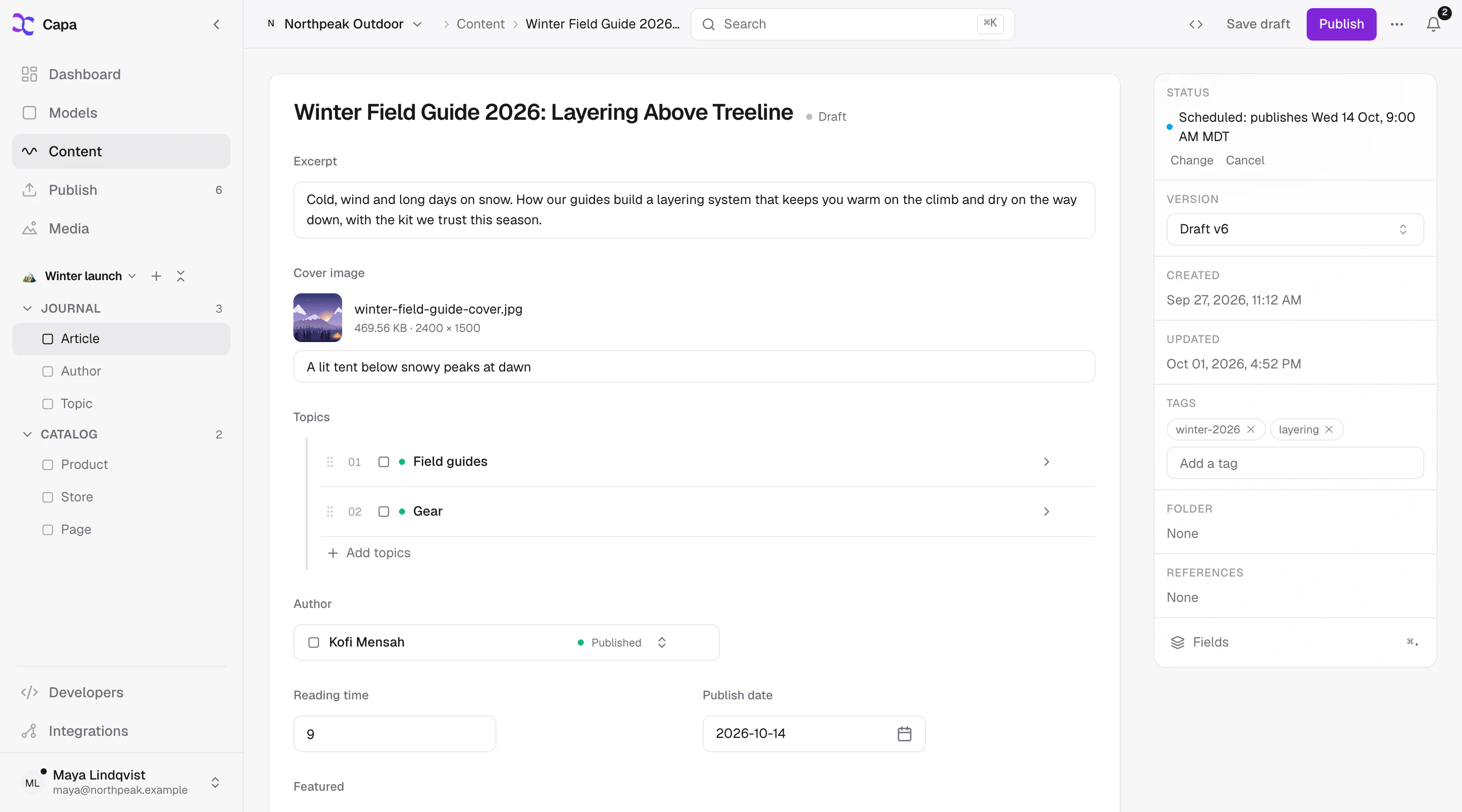
Drafts never touch the live site. The entry says plainly where it stands: a draft, published, a draft ahead of what is live, or scheduled for a named time. Open any earlier version and carry on from there.
- Change and Cancel sit on the same line as a schedule.
- Discard a draft and it stays in the entry’s history.
Draft ahead of what is live. Visitors still see v7.
You are on the latest draft.
Find it
in two keystrokes.
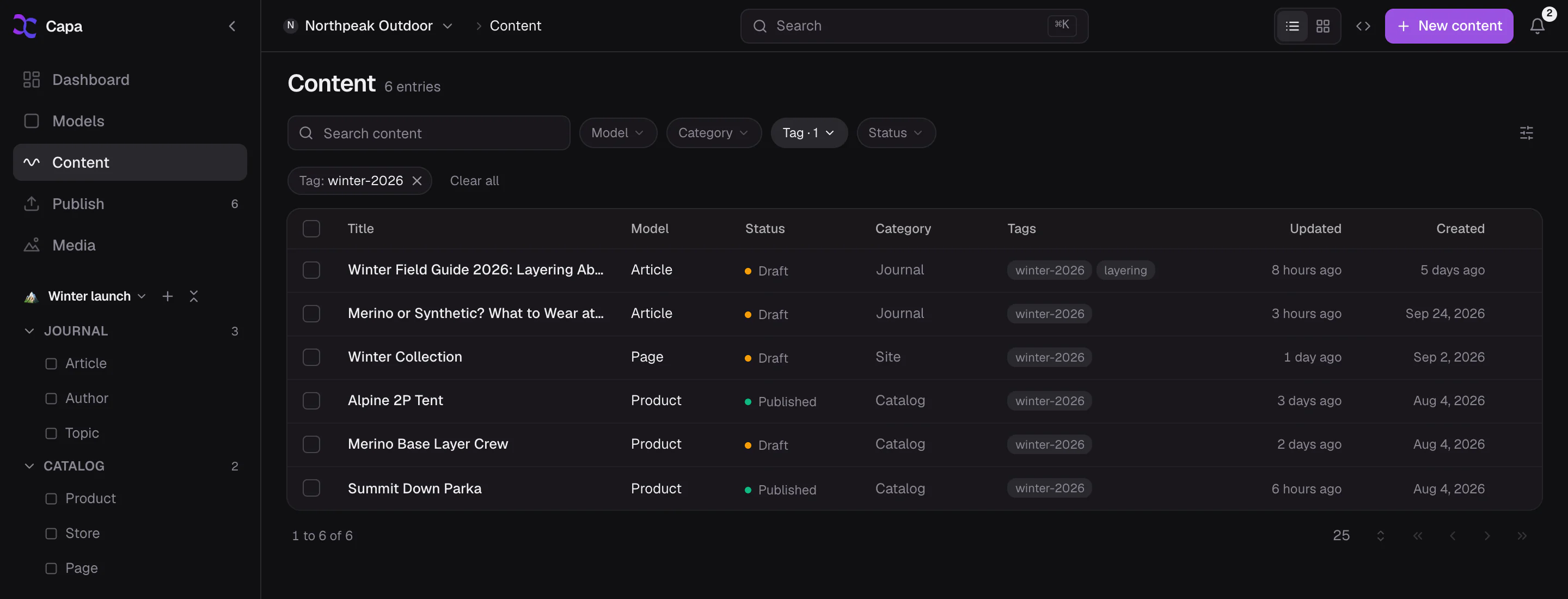
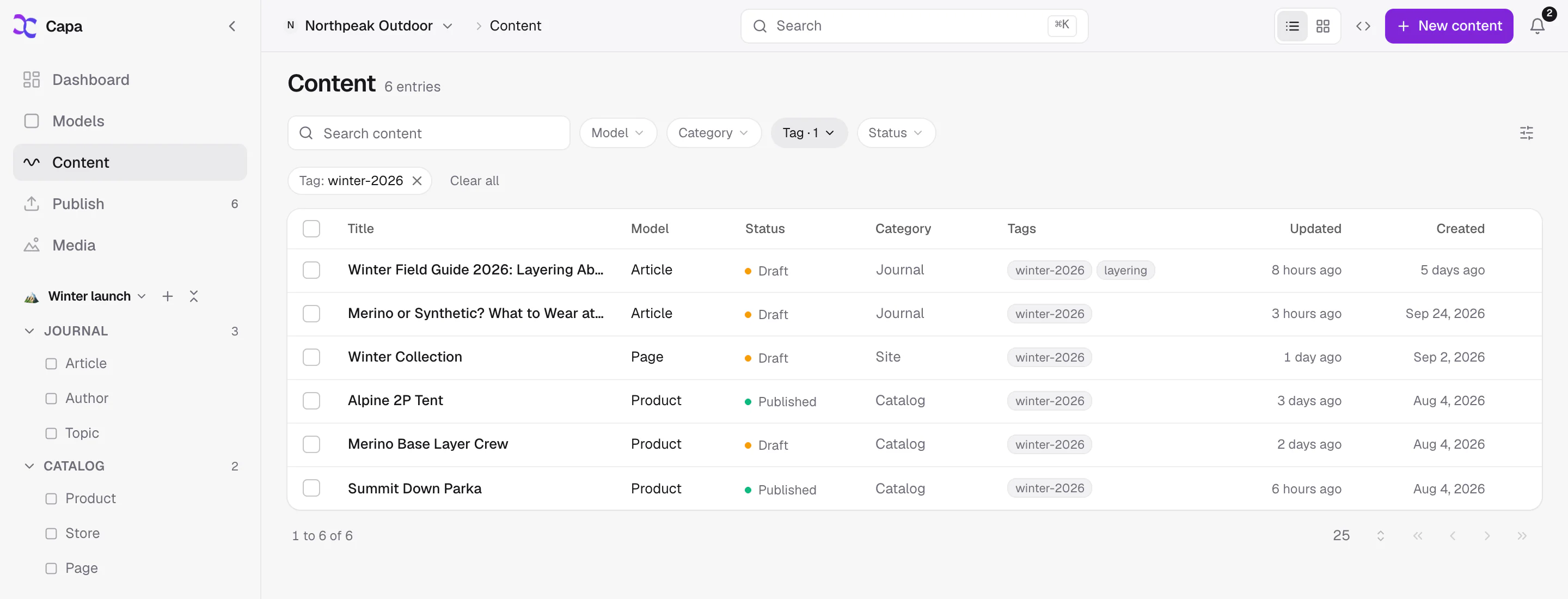
Cmd+K searches every entry, model and file in your project. Lists filter by model, folder, category, tag and status, sort the way a dictionary does, and switch to cards when the work is visual.
Spring launch Landing pages
Spring lookbook Stories
ModelsLanding pages 12 entries
Mediaspring-hero.jpg Campaign photos
Images that
stay tidy.
Folders, alt text and filters for type, size and date. Before you delete a file, see where it is used. Replace it, and every page that shows it gets the new one.
- Missing alt text? The Assistant describes each image and saves nothing until you approve.
- Rain shell
- Spring landing
Fix the typo
from the train.
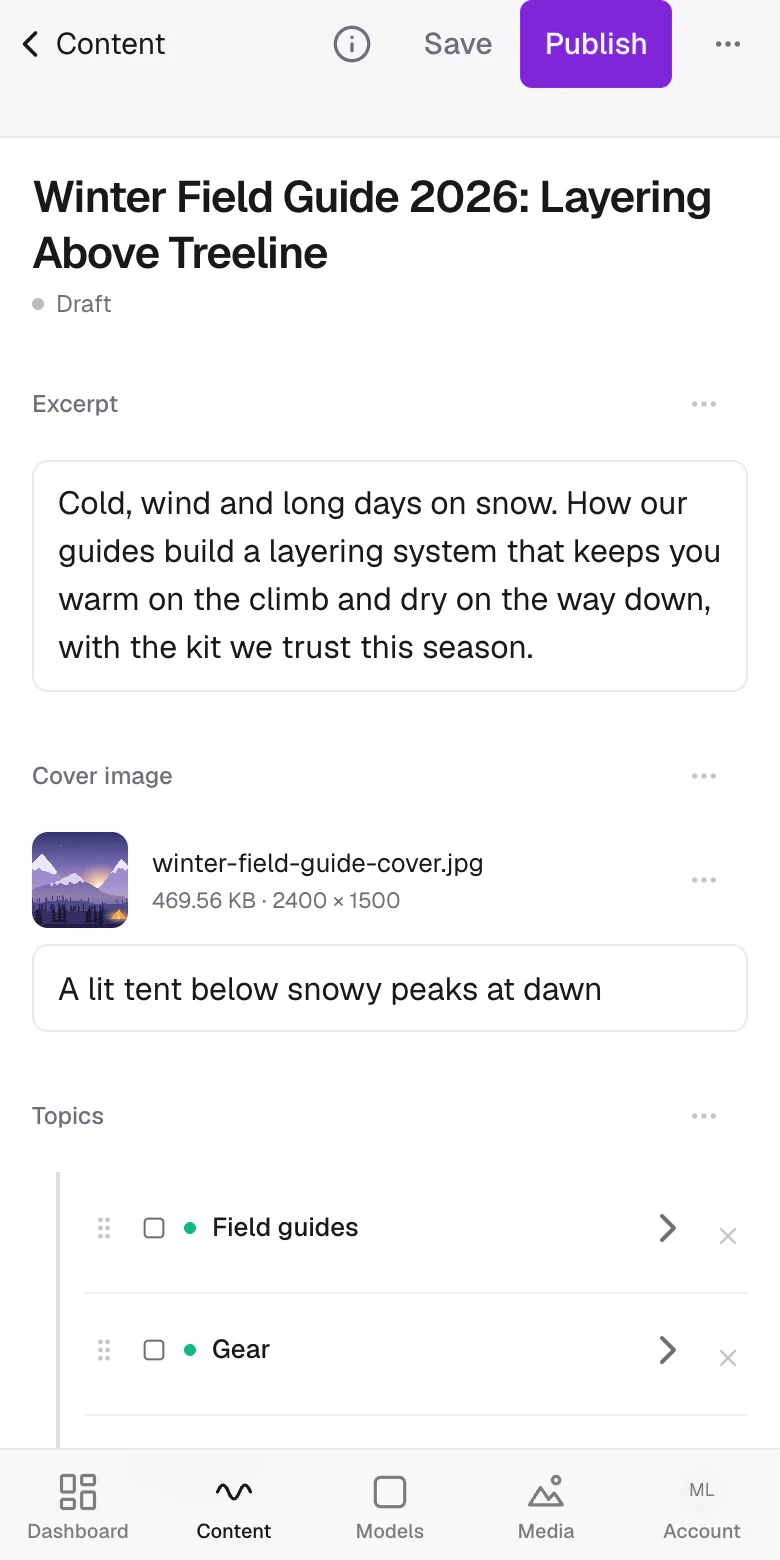
On a phone, Capa is laid out like an app: a tab bar at the bottom, full-width lists and sheets that slide up. Open the entry, fix it, publish.
Write it. Check it.
Publish it.
Free to start. Your developer connects the site once, and the editing is yours.
More ways teams use Capa
- DevelopersAPIs, agents and an SDK you will like→
- Marketing teamsShip pages without waiting on a deploy→
- AgenciesOne login for every client you run→
- E-commerceProducts, reviews and stories in one place→
- Multi-site & brandsMany sites, one source of truth→
- Apps & every screenWeb, mobile and anything that reads an API→