 Capa
CapaShip the campaign.
Skip the ticket.
Capa is the most organized hybrid CMS for teams that publish every day. Each team gets its own workspace and only the access it needs. Pages change where they live, and the launch goes out at nine on its own.
Every team gets
its own sidebar.
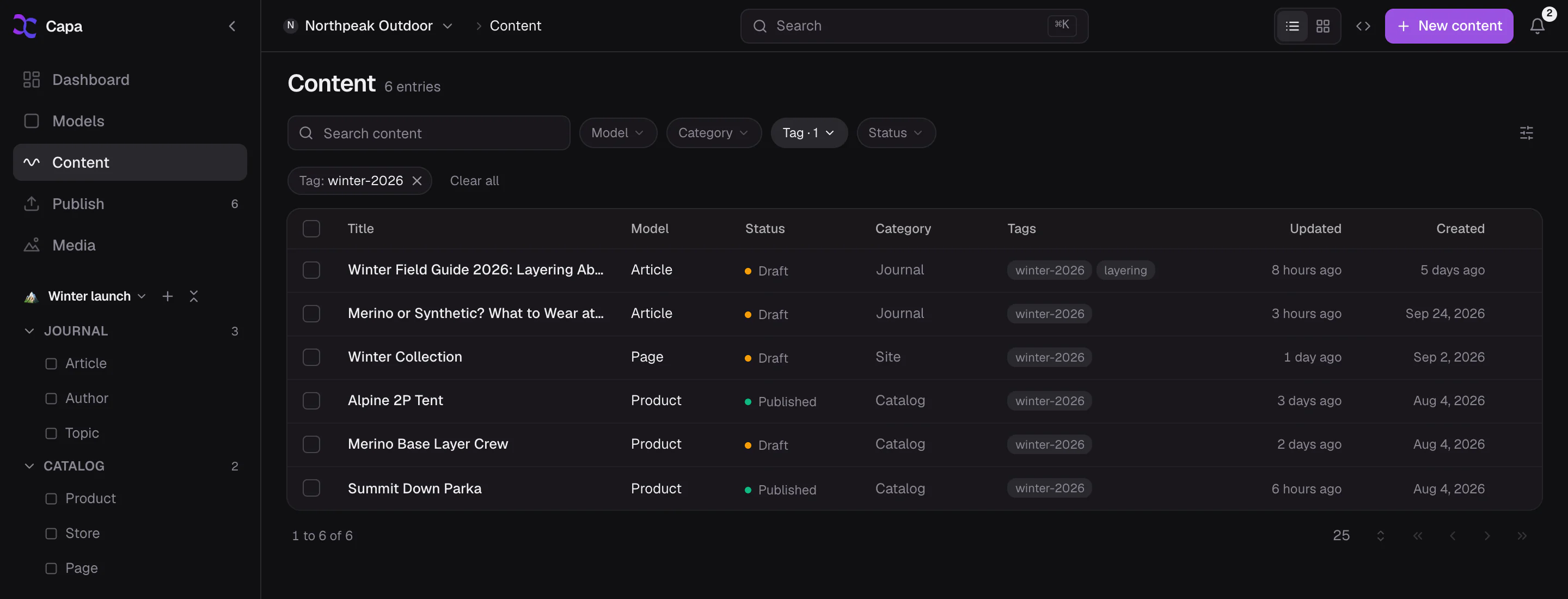
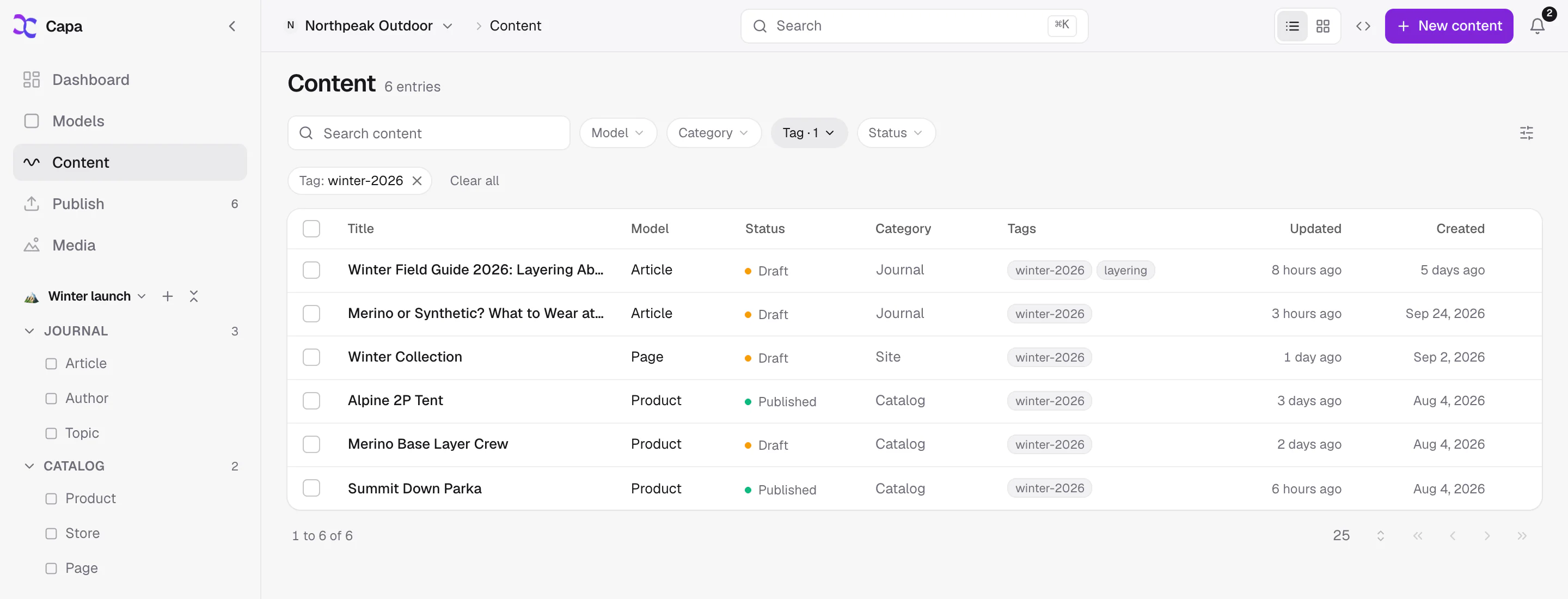
A workspace is the sidebar a team arranges for itself: folders you name, holding models, entries and media side by side. Marketing sees launches and landing pages. Writers see the blog. Developers keep the models to themselves.
- Share a workspace with the project, or keep it private.
- Start from Blank, Website or Catalog, then rename every folder.
- Choose the workspace new members land in.
- Cmd+K still searches the whole project, whichever workspace you are in.
Spring launch
New members start here.
Writers write.
Approvers publish.
Publishing is its own permission, separate from editing. Give a freelancer drafts on the blog and nothing else, give your lead Publish on every campaign, and keep billing with the person who pays the bill.
- Start from four roles: Admin, Developer, Content and Viewer.
- Narrow anyone to the models they work on and the actions they may take.
- Invite with a link, with the role set before they arrive.
Writes and publishes campaign pages and the blog.
- Landing pagesEdit and publish
- BlogEdit and publish
- PricingRead only
- ModelsRead only
- BillingNo access
Line it up tonight.
Live at nine.
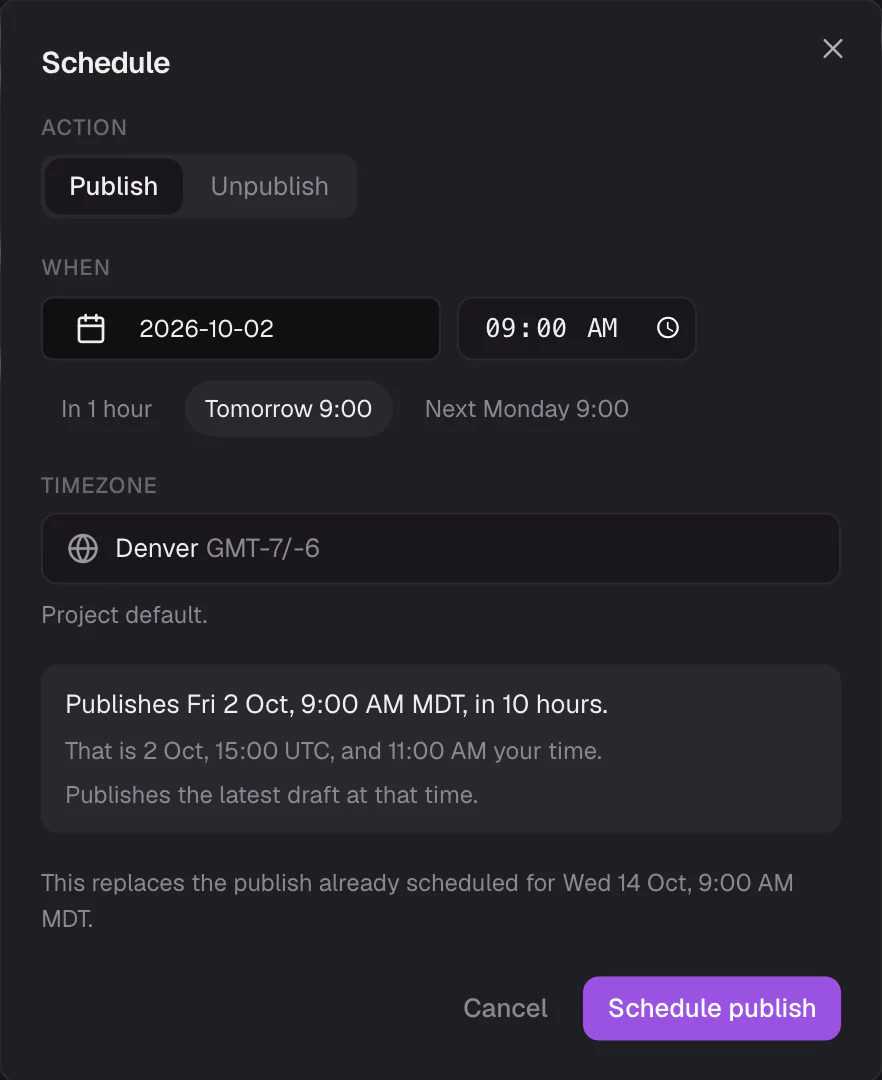
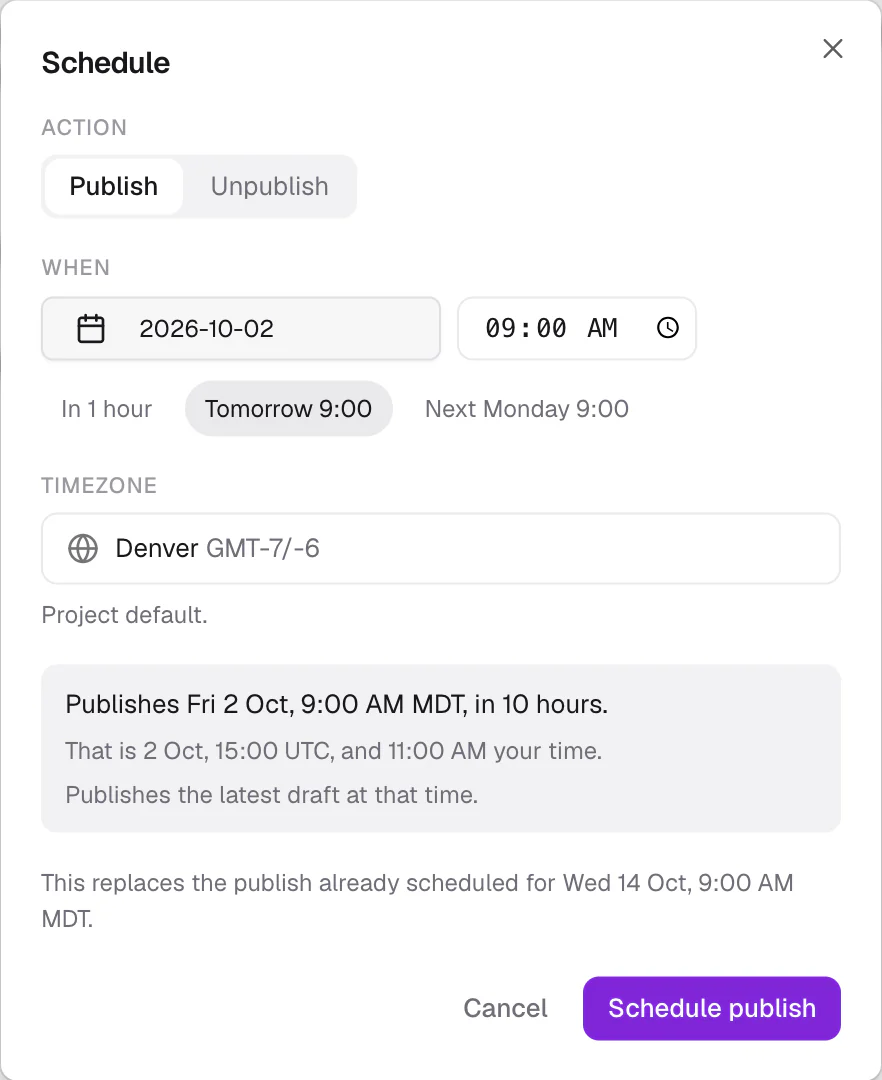
Every saved change waits on one Publish page, across every model, with removed words struck through and new ones highlighted. Tick what is ready and publish it, or schedule the batch in your project’s timezone. Try it.
- Tonight at 9, tomorrow at 9 and next Monday at 9 are one click away.
- A schedule that fails overnight is waiting in the morning, with Retry.
- Published the wrong thing? Undo stays on screen for eight seconds.
- Spring launchLanding pagesEdited
Spring
Ana Ruizsalecollection, now live - Spring lookbookStoriesNew
A new entry, ready for its first publish.
Ana Ruiz - Homepage bannerBannersEdited
Free shipping
Leo Parkthis weekall spring - PricingPagesEdited
Starts at
Maya Lindqvist$29$24 a month
Six drafts by lunch.
You still decide.
Ask the Assistant for a teaser on every product in the launch, or alt text for every campaign photo. It works inside your access, writes drafts, and leaves them on the Publish page beside your team’s work. Nothing goes live until someone presses Publish.
Write a two-line teaser for each of the six products in the spring launch.
Done. Six drafts are on the Publish page for you to review. Nothing is live.
- Ridge Shell Jacket: teaserDraft · in Publish
- Trail Fleece: teaserDraft · in Publish
- Packable Rain Jacket: teaserDraft · in Publish
- And three moreDraft · in Publish
Your next launch,
organized.
Free to start. Bring the team in once the workspace is ready.
More ways teams use Capa
- DevelopersAPIs, agents and an SDK you will like→
- AgenciesOne login for every client you run→
- Content editorsEdit what you see, publish when it is right→
- E-commerceProducts, reviews and stories in one place→
- Multi-site & brandsMany sites, one source of truth→
- Apps & every screenWeb, mobile and anything that reads an API→