 Capa
CapaChange a field's type
Convert a field on a model that already has entries, see what will convert before anything changes, and follow the change as it runs.
You can change a field's type, namespace or options after your team has written entries. Capa shows what will happen to every stored value first, and converts the entries in the background while your team keeps working.
You need the Admin or Developer role.
Start a change
- Open the model's fields: Edit fields in its ⋯ menu on Models.
- Open the field's settings and pick a new Type.
- Choose Done, then Save fields.
Each type in the list carries a dot that says how your values will fare:
| Dot | Means |
|---|---|
| Converts cleanly | Every value has an exact equivalent. |
| Converts with loss | Every value converts, but some detail is dropped. |
| Depends on the values | Values that fit convert. The rest cannot. |
| Cannot convert | No value can become this type. |
A line under the type says what will happen, such as "Values cannot convert to Number. You can keep this field and add a new one."
Changes that leave every stored value valid save straight away: a new field, a layout change, a new name or label, Required, or an added option. The others open a review. Removing a field opens one too.
Review the change
The review lists each change as From → To, with a count, such as "All 312 values convert." or "14 of 312 values cannot convert."
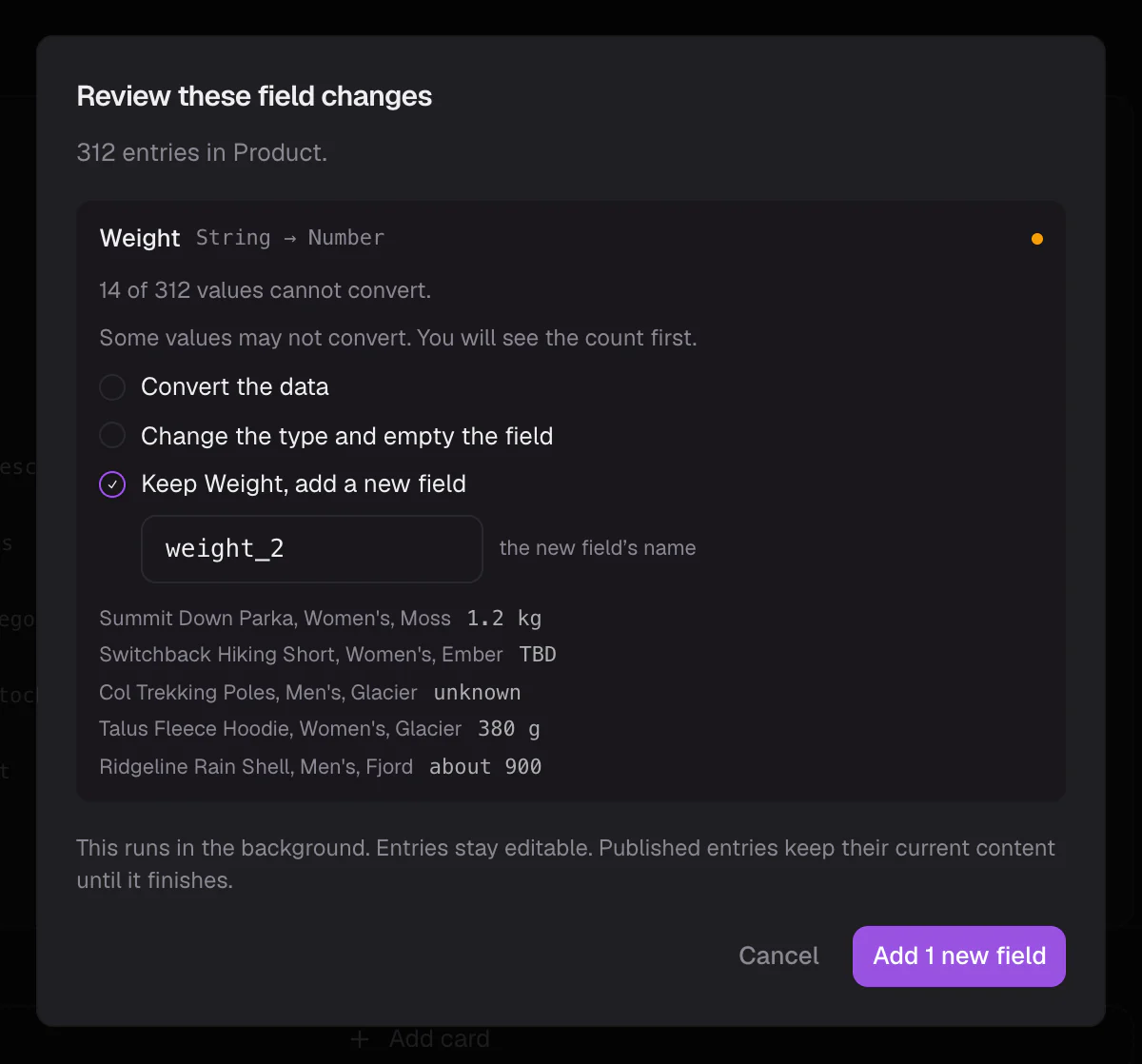
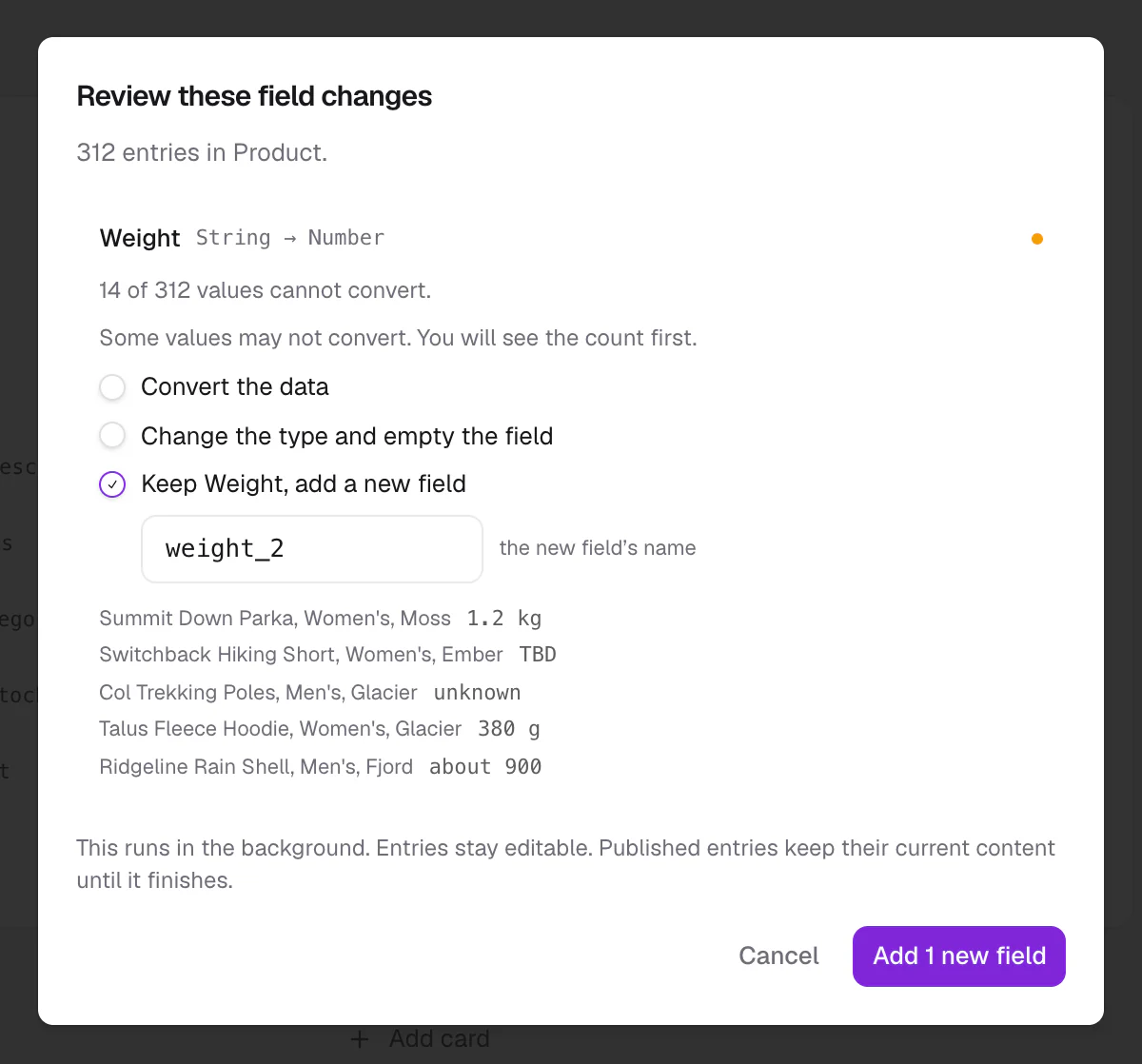
For each change, choose one:
- Convert the data: convert every value that can be converted.
- Change the type and empty the field: start the field afresh.
- Keep the field, add a new field: leave this field alone and add a new one of the new type beside it.
When some values cannot convert, choose what happens to them:
- Leave those N empty.
- Keep those N in a separate field, so nothing is lost.
- Stop if any value cannot convert.
- Do not start, let me fix them first.
Then choose Apply changes. If the change will clear more than 1,000 values, Capa asks you to type the model's name first.
While it runs
Capa converts the entries in the background. A strip shows the progress: converting, then going live.
- Your team can keep editing entries. For a few seconds at the end, while the new values go live, saves are paused: "Finishing the change, try again in a moment."
- The model's fields are locked until the change finishes.
- When it is done, Capa says how many entries were updated, and how many could not convert.
If a change stops, Capa says where. Choose Resume to carry on, or Discard this change to put the fields back as they were. Once a change has started going live, Discard is gone. Entries of that model then cannot be saved until someone resumes it. A change that stopped because you chose Stop if any value cannot convert offers Review again instead of Resume.
What converts to what
| From | Converts cleanly to | Depends on the values |
|---|---|---|
| Text | Rich Text, HTML | Number, True/False, Date, Options, Color |
| Rich Text, HTML | Text, Rich Text, HTML | |
| Number | Text, Rich Text, HTML | Options |
| True/False | Text, Rich Text, HTML, Number | Options |
| Date | Text, Rich Text, HTML | |
| Options | Text, Rich Text, HTML | Number, True/False, Date, Color, other options |
| Color | Text, Rich Text, HTML | Options |
| Image | File | Video |
| Video | File | Image |
| File | Image, Video |
- Number to True/False converts with loss.
- Options to Options is clean unless you removed an option some entries use.
- A relation can only change to the same related model, or to mixed. It cannot point at a different model.
- A list to a single value depends on the values: an entry with more than one value cannot convert.
- Everything not listed cannot convert. Add a new field instead.
Renaming a field's namespace
Changing a namespace moves where the API returns the value. Capa warns: "The key moves to the new name. Anything reading the old name through the API stops finding it." Update your code first.
The title field cannot be removed, change type, or change namespace.
Related
- Content model: field types and what the API returns.
- Build a model: fields and settings.